
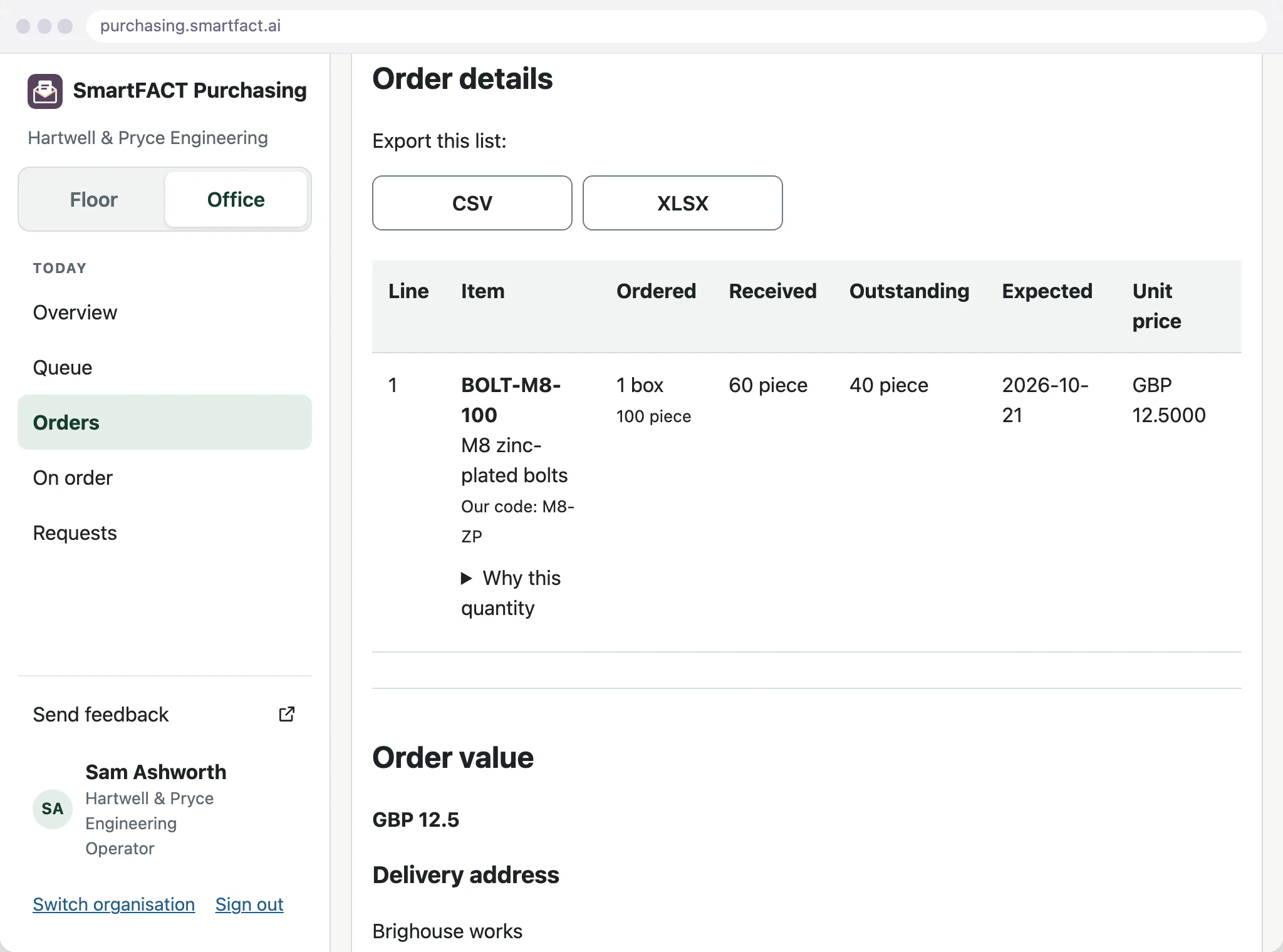
Start from the open orders list
An approved order stays visible as work progresses. Open the order to inspect each line instead of treating a whole order as complete after its first delivery.
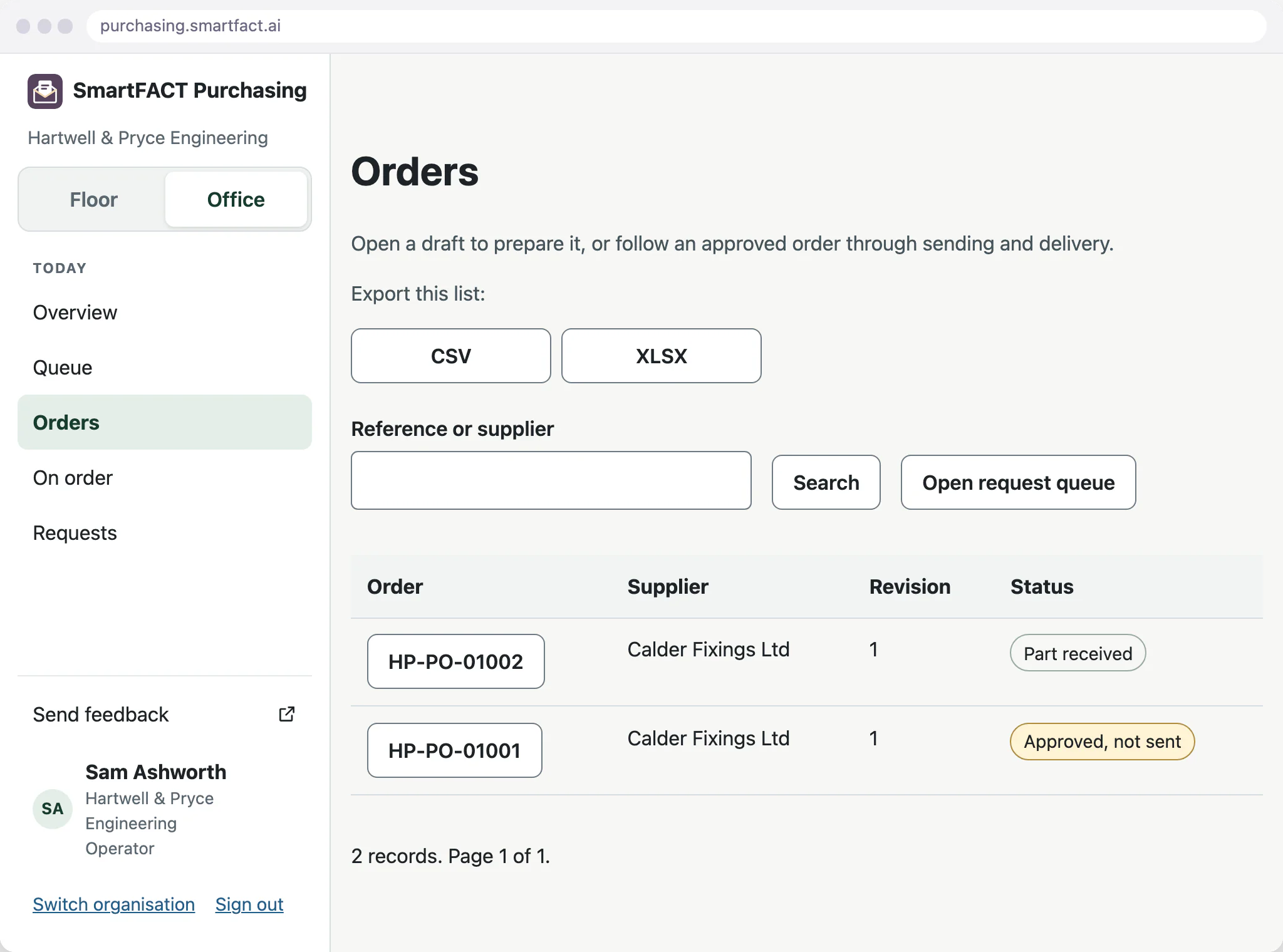
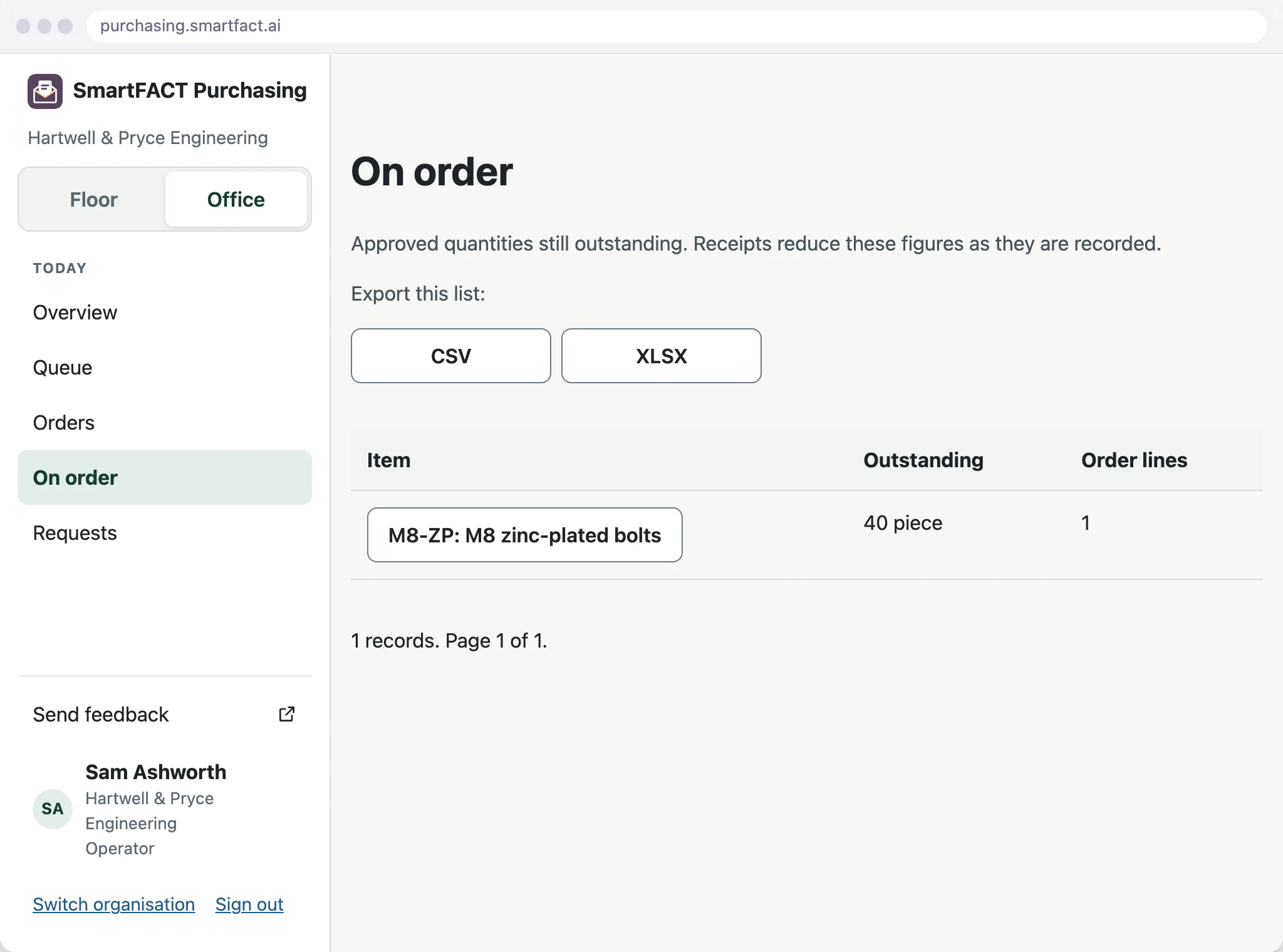
Follow part deliveries line by line
StoresFlow records physical stock receipts. Purchasing shows the remaining amount against the order, so a part delivery leaves the rest open.
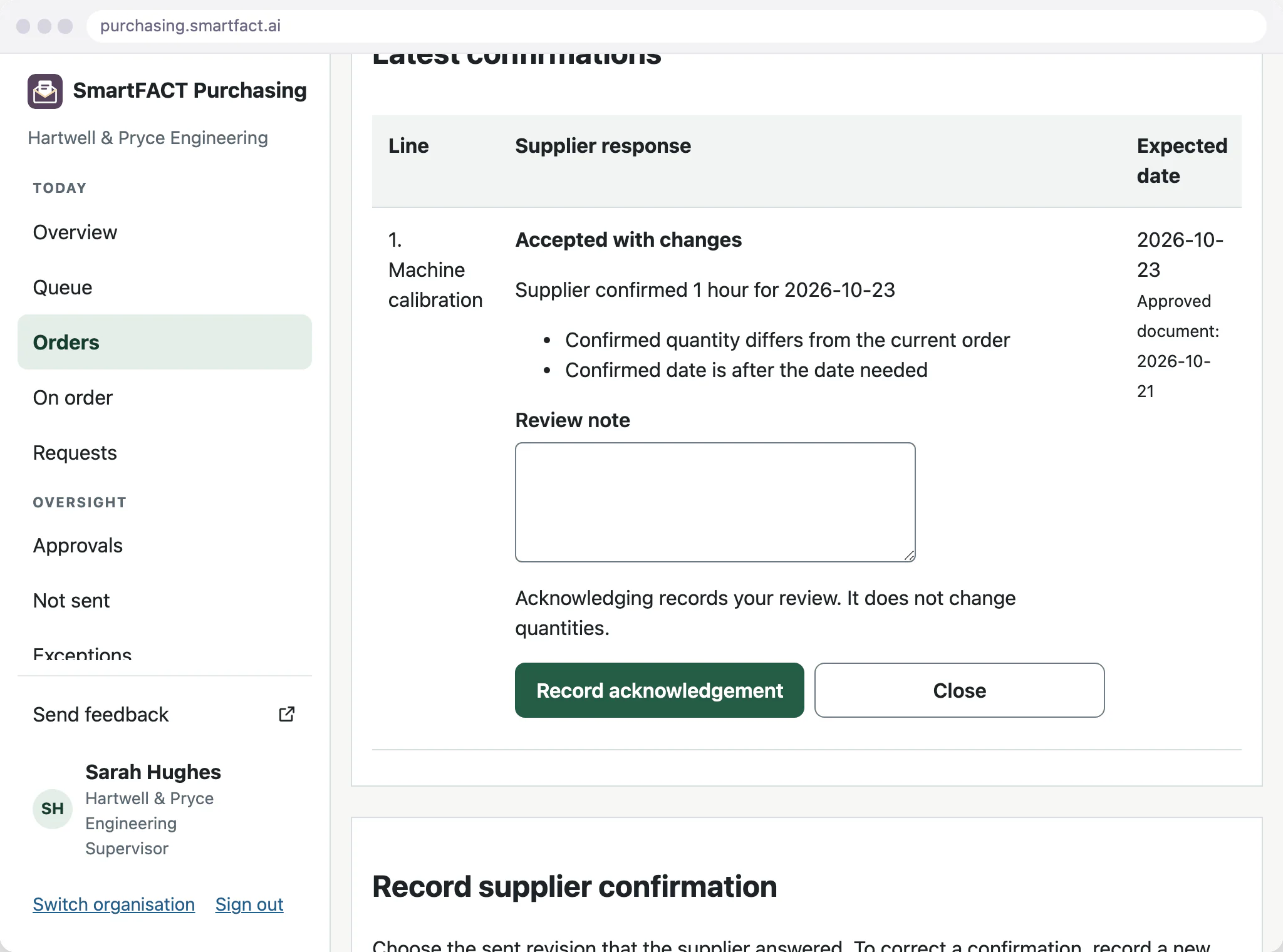
Keep the supplier’s confirmed date
Record the offered date and quantity with the supplier’s reference. Differences need review, and acknowledging a reply does not change the approved order.
Confirm non-stock work separately
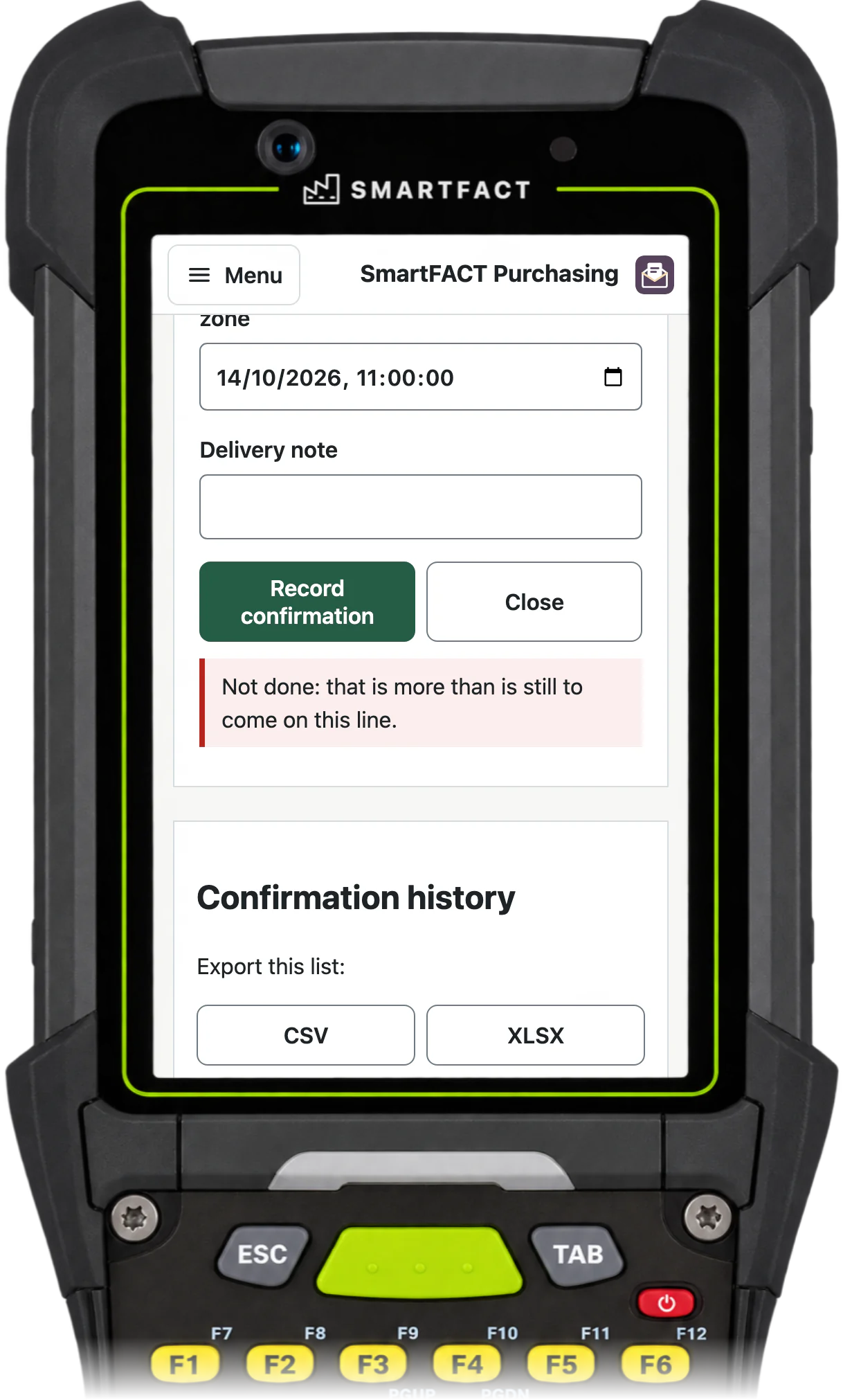
For a service such as calibration, the operator records actual completed work. A quantity above the remaining balance is refused rather than silently over-completing the line.
Keep changes and corrections traceable
An amendment is approved again. A cancellation records its reason and communication, and later corrections retain the original history. Invoice payment is outside this list.
What SmartFACT Purchasing does not do
- No invoice ageing, payment status or accounting export postings.
- Physical stock remains in StoresFlow.
Common questions
Does it track invoices and payments?
No. It tracks orders and fulfilment. Your accounts team handles invoice matching and payment.
How do I follow up an overdue order?
Use the outstanding line quantity, the supplier’s recorded date and the retained response to decide who to contact.
Does a supplier reply change the order?
No. A different approved commitment requires an amendment.
Related pages
Trials are by invitation and start with one agreed workflow. Scope and arrangements are agreed with you before access.


