
Use the approved order and its reference
Check the supplier, lines, quantities, date and delivery details. Approval fixes the reference and document revision. Draft documents are marked as drafts and must not be treated as orders.
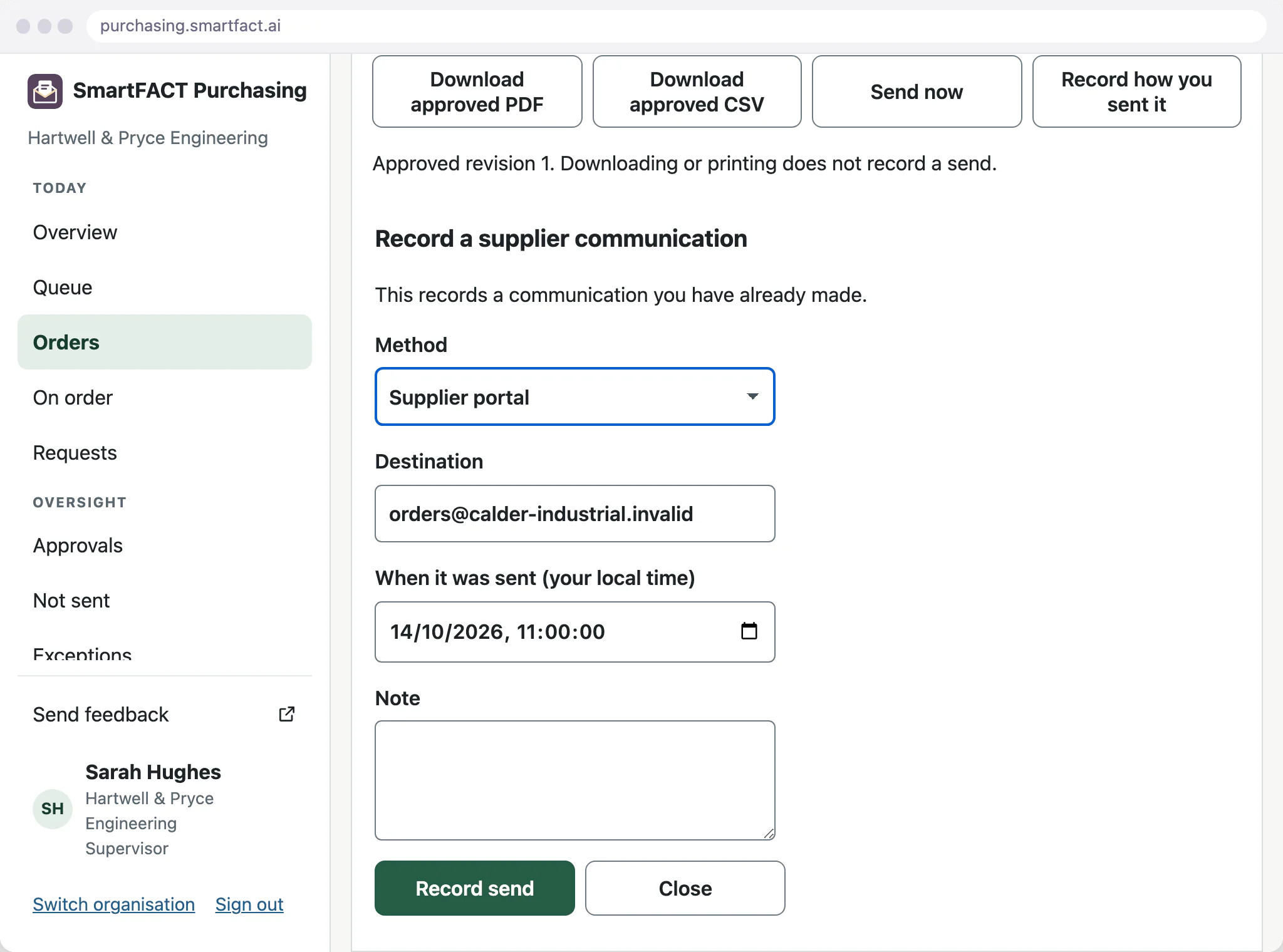
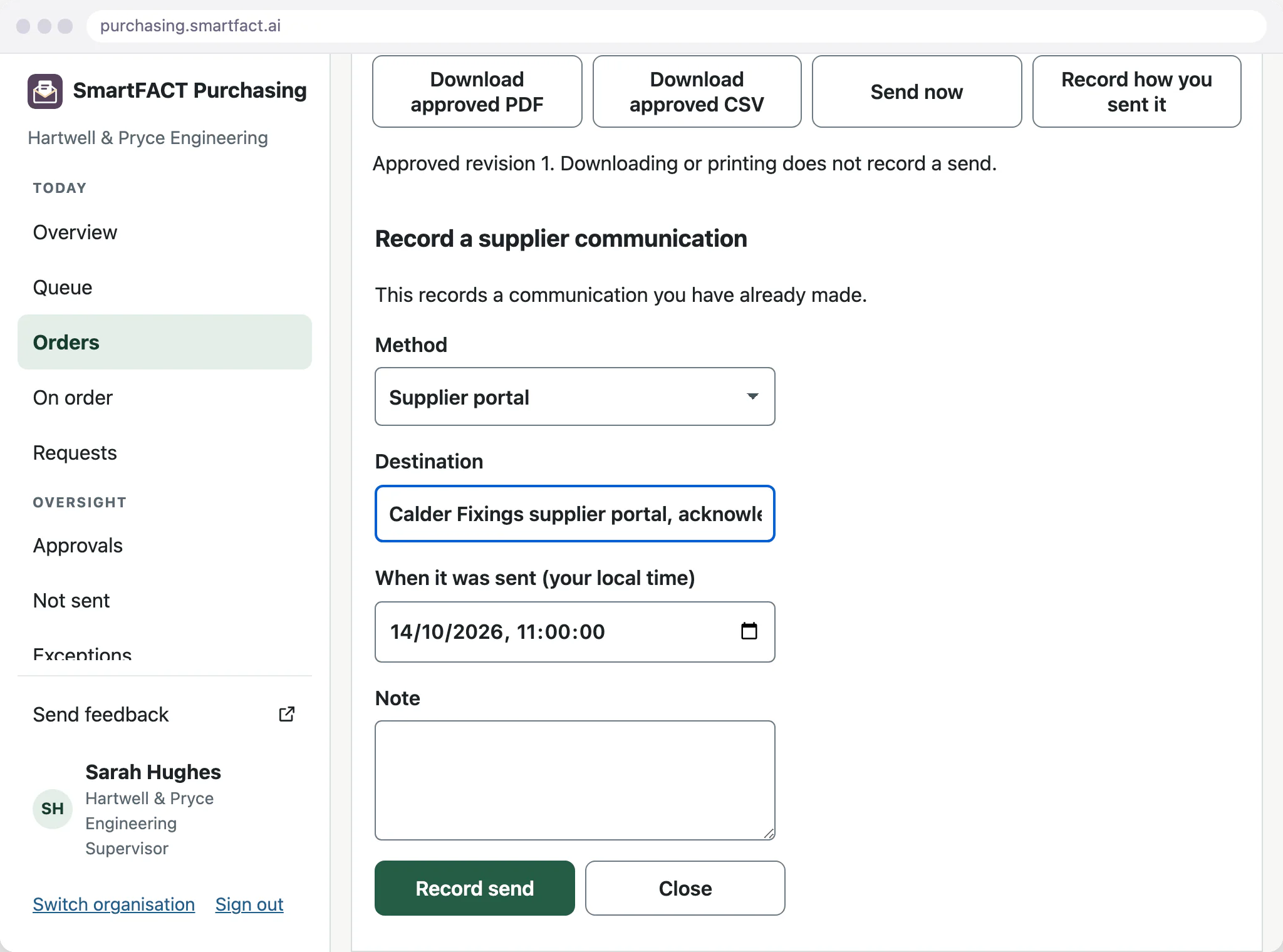
Use the channel the supplier accepts
Send by your own Microsoft 365 or Gmail mailbox, or use a supplier portal, phone or post and record what was communicated. Purchasing does not log in to supplier portals for you.
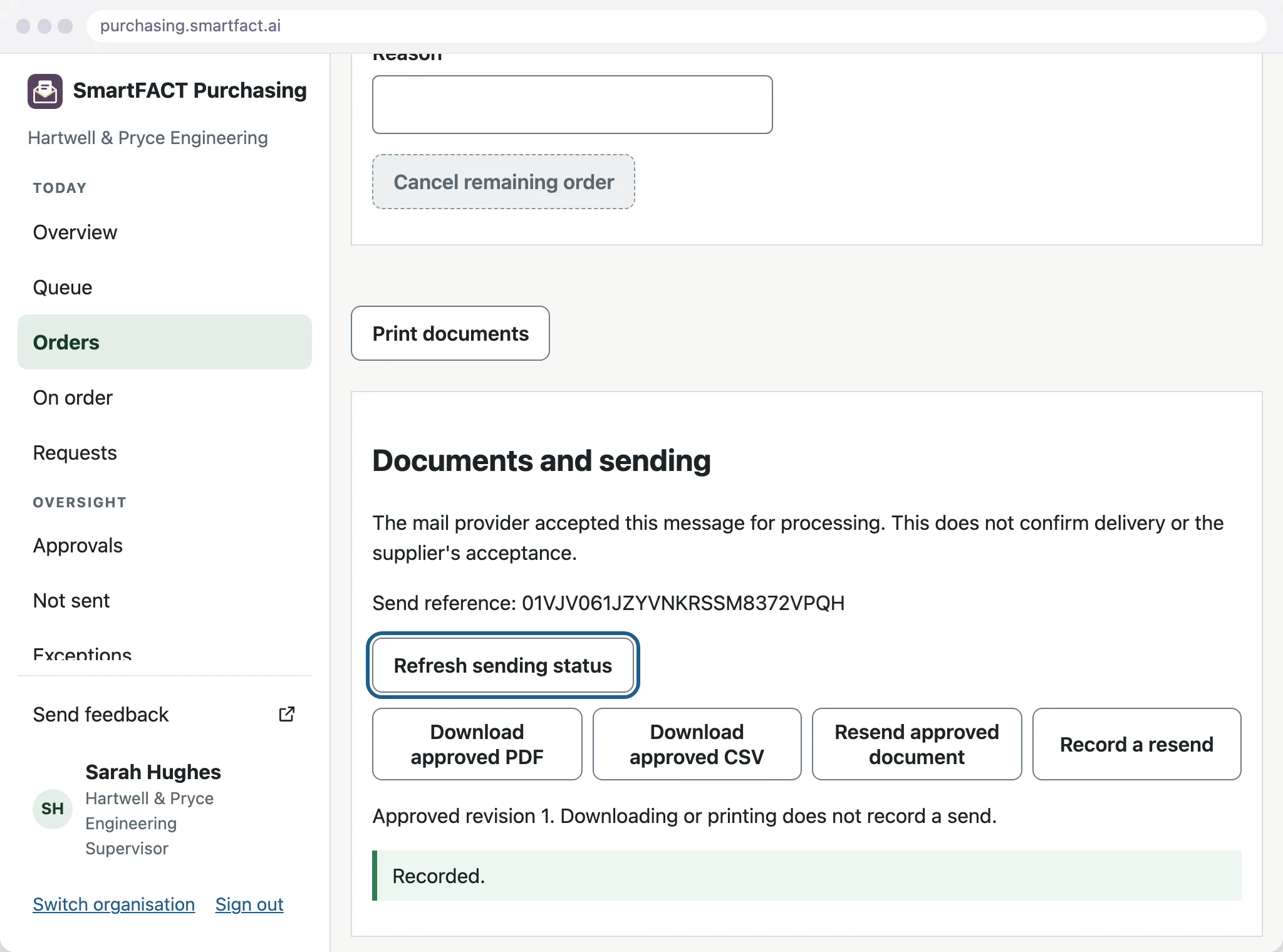
Send from the purchasing mailbox
The mailbox must be connected and qualified. Queue the approved order and inspect its status. Acceptance by the mail provider proves neither delivery nor reading nor supplier acceptance.
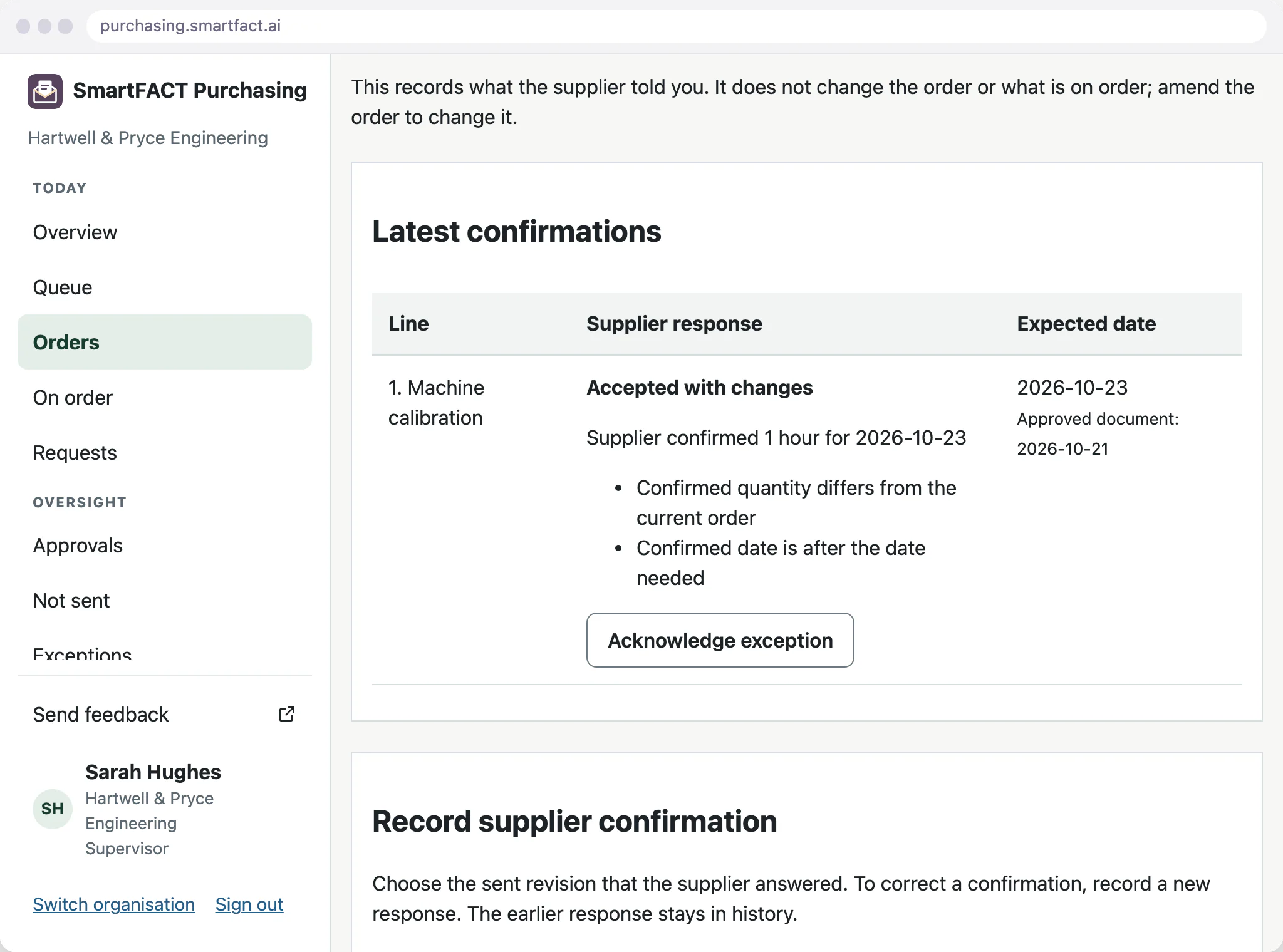
Record the supplier’s reply
Keep the offered quantity, date and reference against the line. An acceptance with changes goes for review. The approved quantity stays unchanged until an amendment is approved.
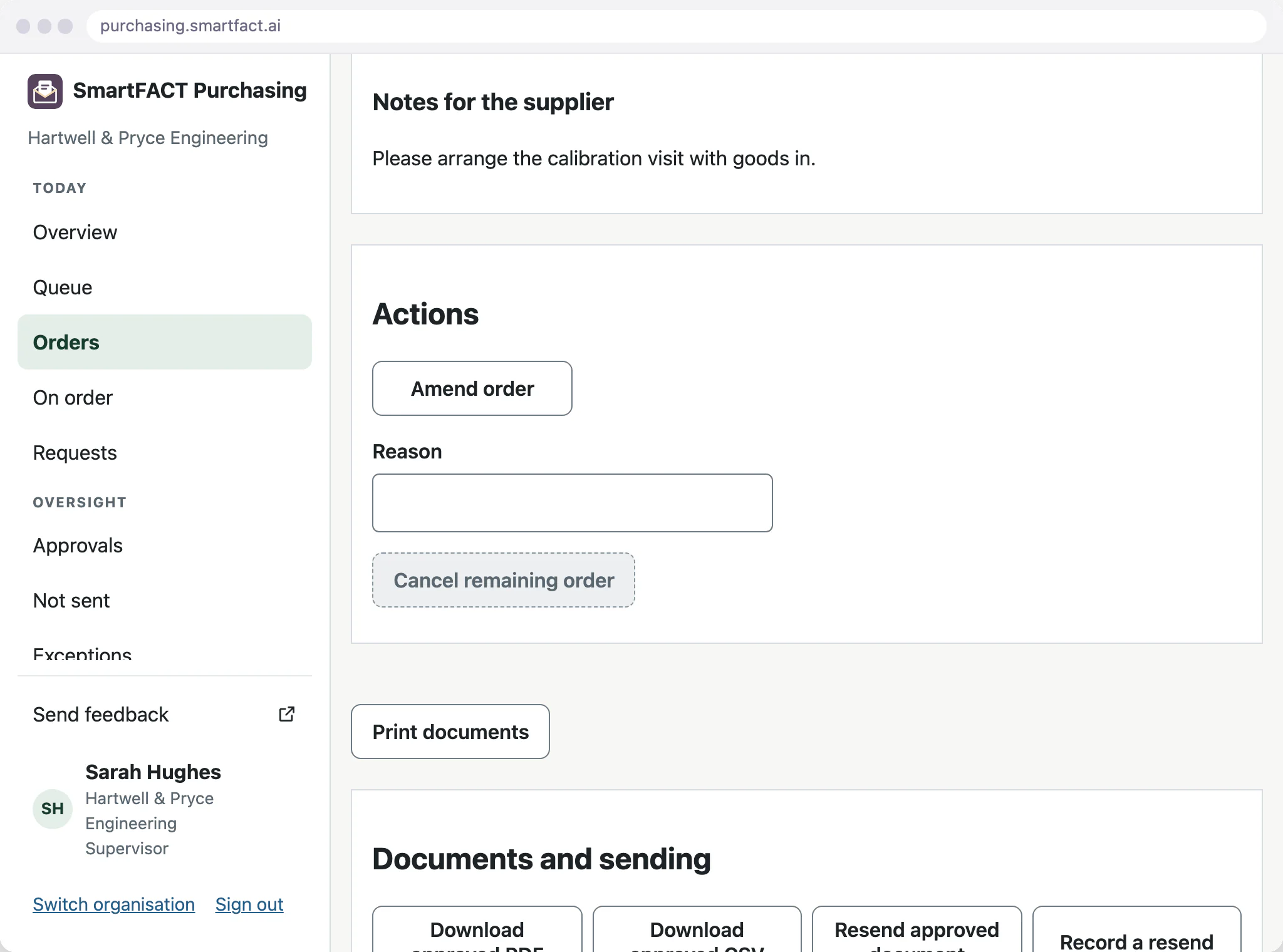
Resend deliberately, amend when needed
A deliberate resend keeps its reason. Do not create another send after an uncertain result without checking the original attempt. A changed order is a new revision requiring approval.
What SmartFACT Purchasing does not do
- No automatic supplier-portal submission, EDI or supplier logins.
- No invoice or payment processing.
Common questions
Does downloading or printing count as sending?
No. A downloaded PDF or printed copy is not a record that the supplier received the order.
Does a sent email mean the supplier accepted?
No. Record the supplier’s response separately. Even mail-provider acceptance does not prove delivery or reading.
Who sends a purchase order?
The buyer sends the approved purchase order to the supplier.
Related pages
Trials are by invitation and start with one agreed workflow. Scope and arrangements are agreed with you before access.


